The Best Tools to Visualize GPX Tracks in 3D for Hikers (new edition)
Almost two years ago, I wrote a review of a few tools used to create 3D flyovers for hikes (which, of course, also work for runs, walks, cycling, mountain biking, and so on).
Since then, things have changed. Today, I would only consider four options: MapDirector, Komoot, activity-visualizer, and trailreplay.com. Relive and Rumbo.world no longer look competitive to me, so I removed them from my short list.
Are there other services that can do this? I’m pretty sure the answer is “yes.” But for my needs, these four are more than enough. Having too many options to choose from can be a problem in itself. A local desktop application could be a good alternative, but I haven’t found any (Google Earth is very powerful, but complex and time-consuming).
What you still need is a GPX file of your activity. Of course, if you tracked your activity with Komoot, you can use Komoot directly. If you use Garmin for tracking, you still have to use the web version of the Garmin Connect app to get your file.
My Criteria for a Good Flyover Generator
When I generate a flyover, I expect:
- Full-HD resolution (at least as an option)
- A good 3D landscape
- Configurable video duration (from 30 seconds to 2 minutes)
- A configurable data overlay displaying altitude (and/or elevation), duration, and distance
- Metric units
- The main requirement: The generated flyover must capture the coolness of the route and be enjoyable to watch—without requiring hours of fine-tuning.
Everything else is nice to have. For example, I might occasionally want to add photos, slow down in interesting places along the path, or manually change the perspective. However, so far, I haven’t had the time or desire to dive deep enough into any of that.
MapDirector (My favorite from the original review)
URL: https://www.mapdirector.com
Since my original review, MapDirector has changed a lot. The number of new and reworked features is huge. I’ll just show a few screenshots here (if you read this a week or two after posting, these screenshots might already be slightly outdated).
You can select the type of activity:
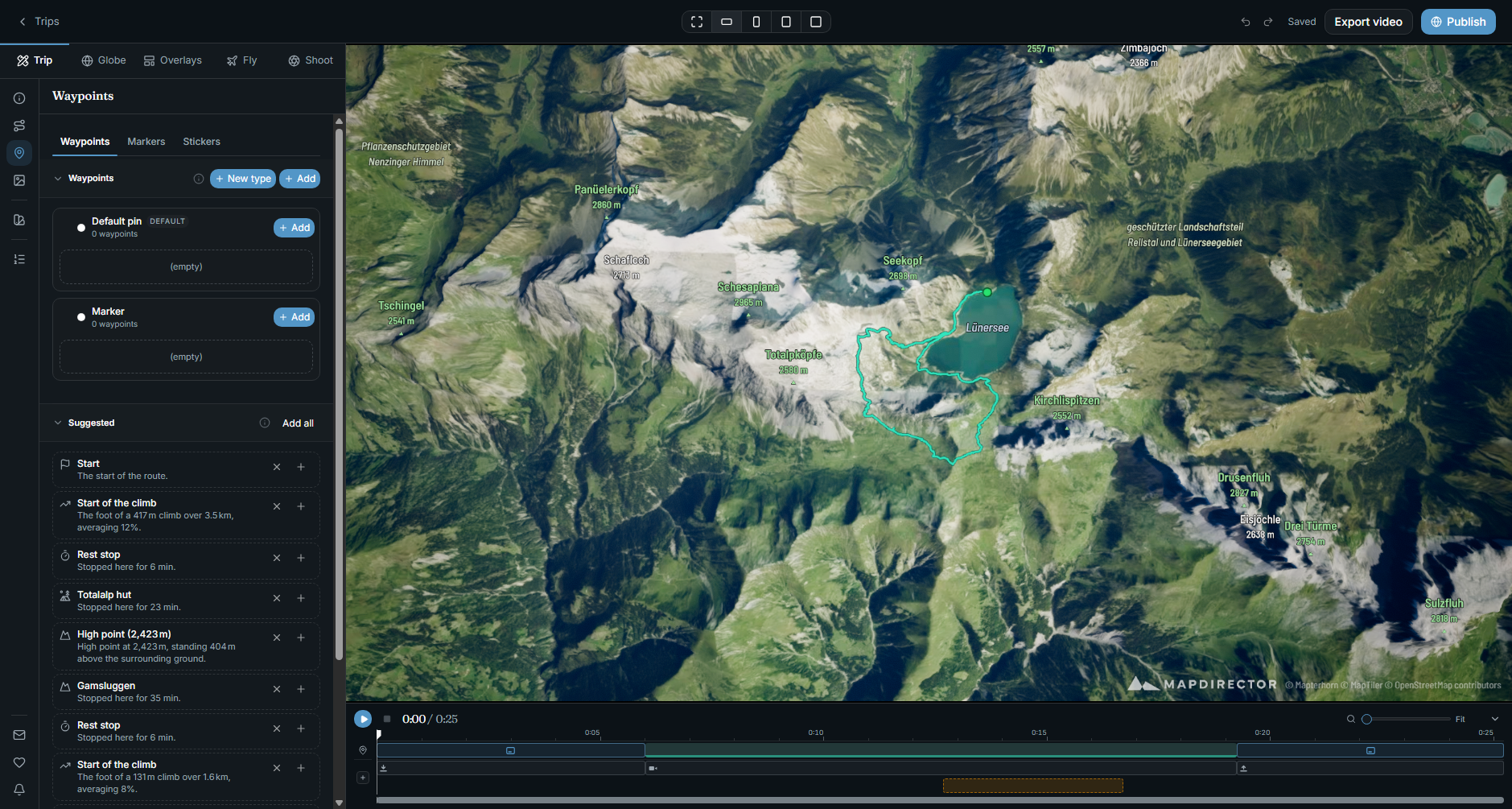
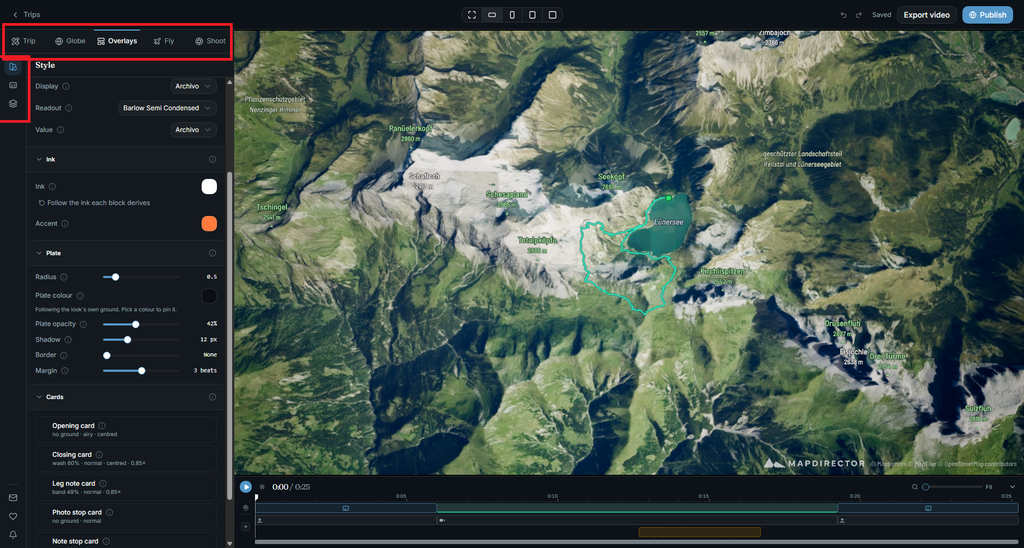
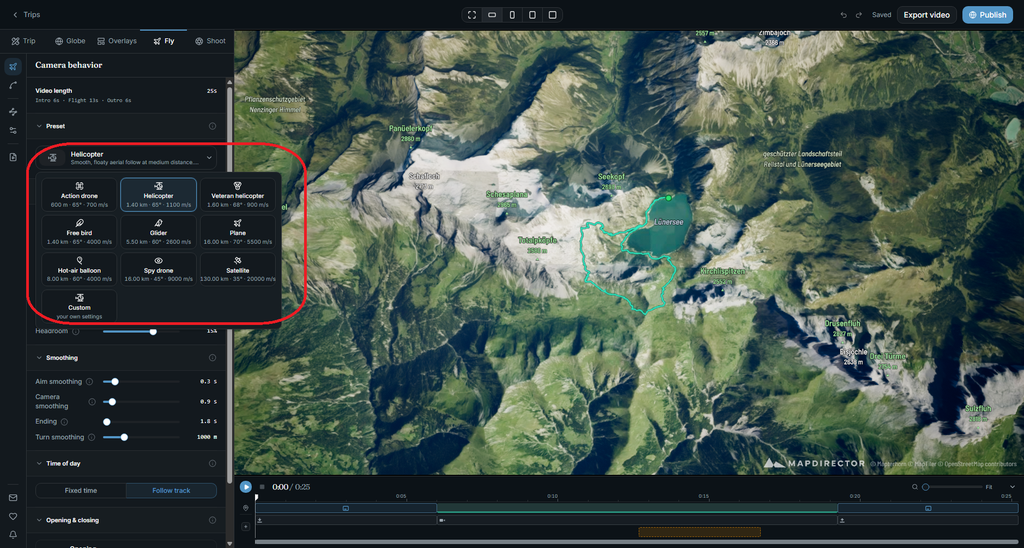
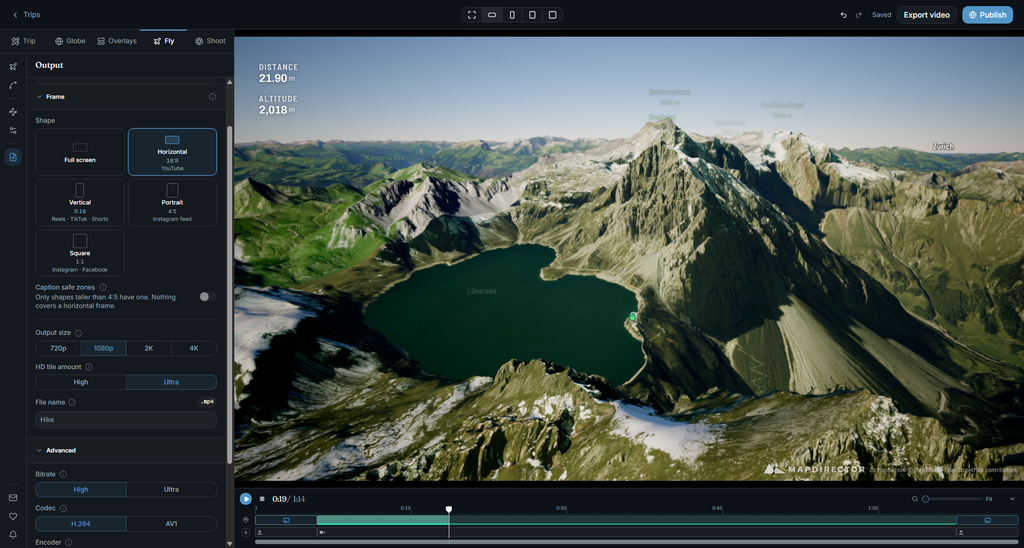
Above, I showed just a small subset of options. The good thing is -you don’t need to use most of them to get good results, but you can if you want.
The one thing I don’t like: MapDirector now requires an account and has a “share” feature, which raises two questions for me:
- If MapDirector hosts projects (which can include photos), it incurs higher recurring hosting costs that will only increase over time. This usually leads to subscription models.
- Privacy implications, especially when uploading personal photos.
Trailreplay
No account needed—great! Most of my basic criteria listed above are met. The main issue is that the closest camera position is still way too far away for my taste, and the angle isn’t very adjustable. It sounds minor, but this is a key component of a great video result.
It offers many other features: adding photos, manual camera control for specific segments, showing the full track as a semi-transparent line, different map styles, POIs, and custom icons for tracked objects. You can also generate a static photo, which is handy for social media or blog posts.
Trailreplay also supports multiple GPX tracks in a single project—which could be a very useful feature to visualize a multi-day activity!
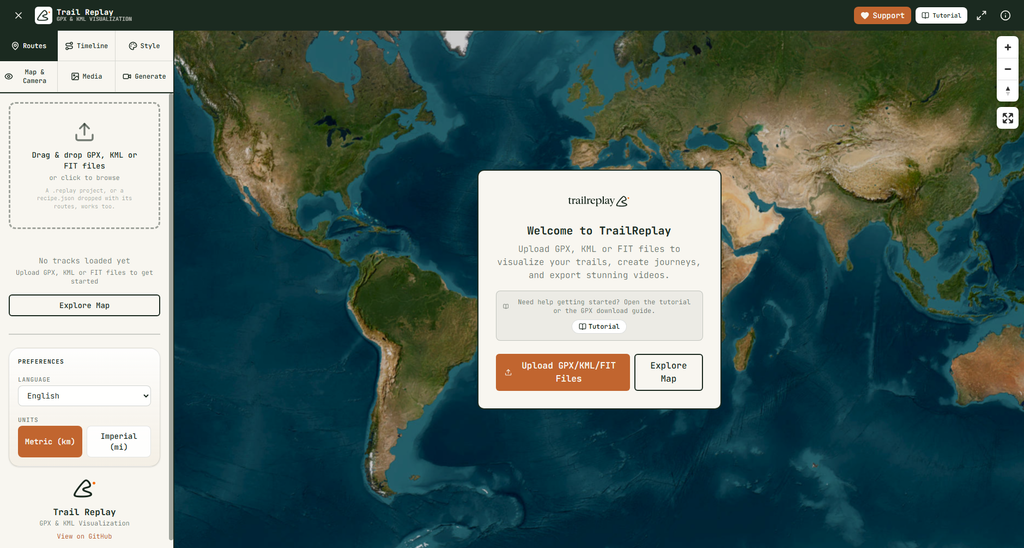
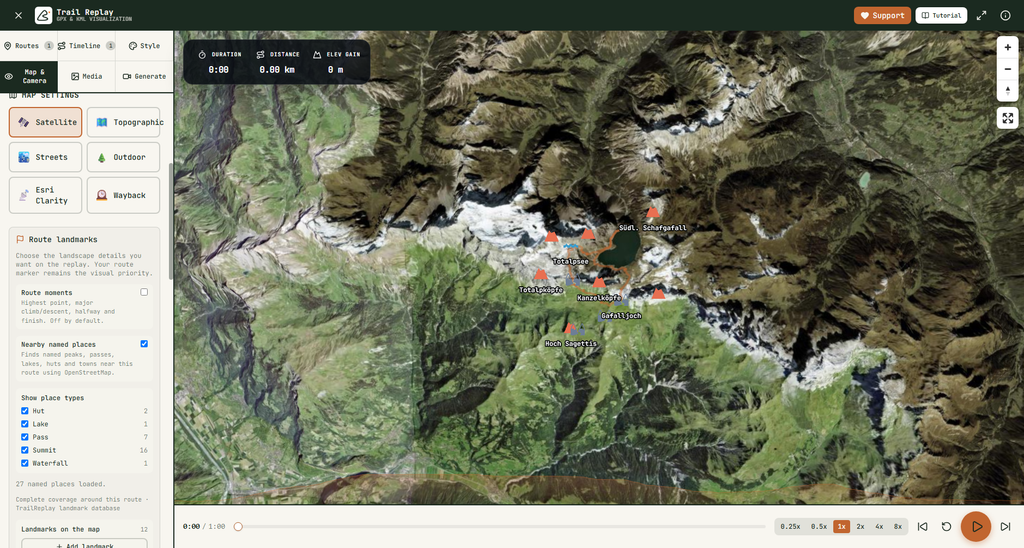
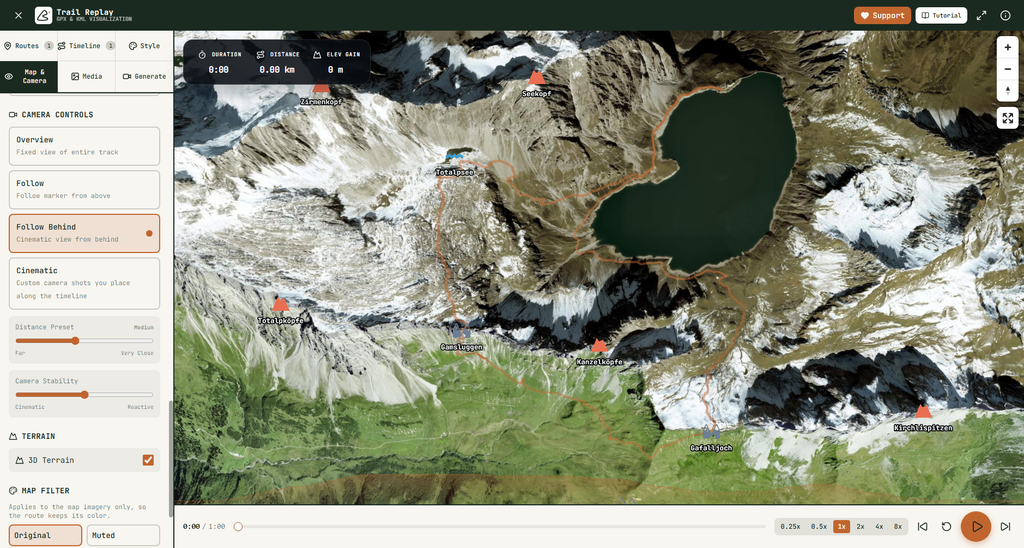
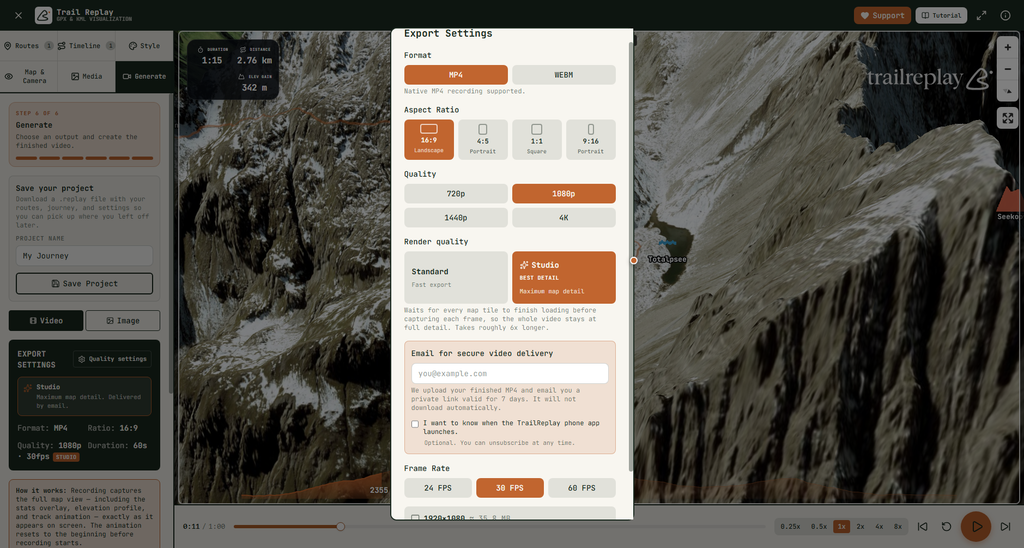
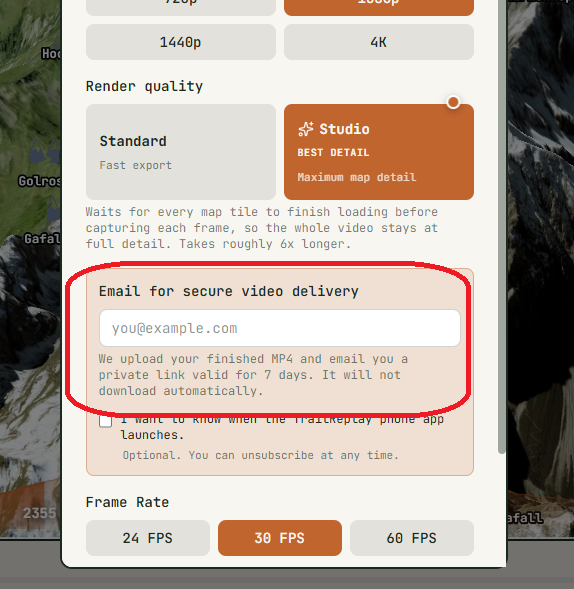
I couldn’t figure out how to remove the “trailreplay” watermark, but I’m okay with that. What I’m less okay with is the strange method for generating “studio” quality video:
Komoot
Komoot is a full platform with social media ambitions. Therefore, rendering happens on the server side and photos must be uploaded to the track as well. If I didn’t already use Komoot, I would stop right here. But since I do use it, it’s still a valid option to consider.
It has one major advantage: you can generate a video using your smartphone right after the event. Just select the completed activity, toggle a few options in the app, and you’re done.
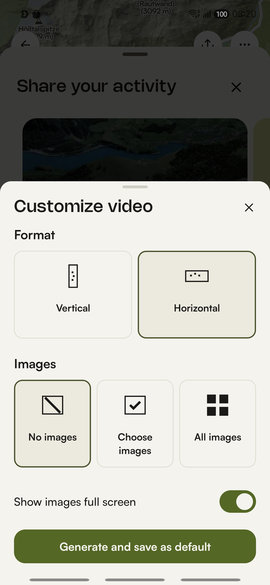
The word “app” is important here—as of now, this feature only exists in the mobile app as one of the activity “sharing” options.
I give Komoot 5 stars for simplicity. You only need (and can) make two decisions:
- Landscape or portrait
- With or without photos
The duration is fixed (30 seconds, and it doesn’t reflect your actual moving speed). The resolution is fixed, the overlay info is fixed (though reasonable), and the camera-following logic is completely out of your control.
I think Komoot has oversimplified things here: the results aren’t great, and there is nothing you can do to improve them.
Activity-Visualizer
URL: https://activity-visualizer.theinhumaneme.workers.dev
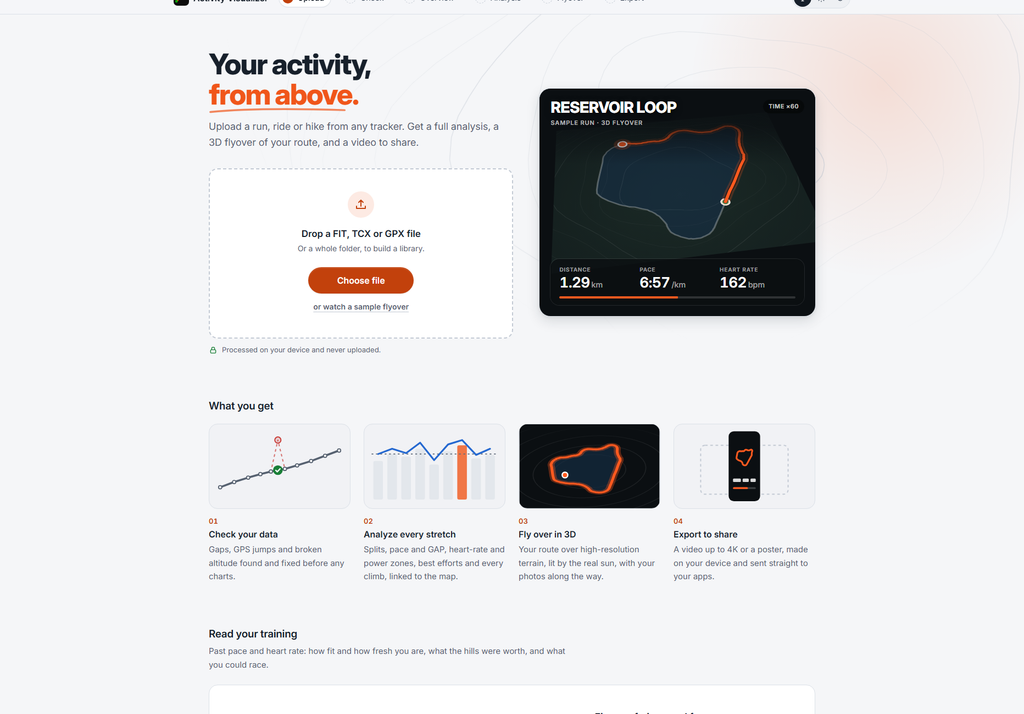
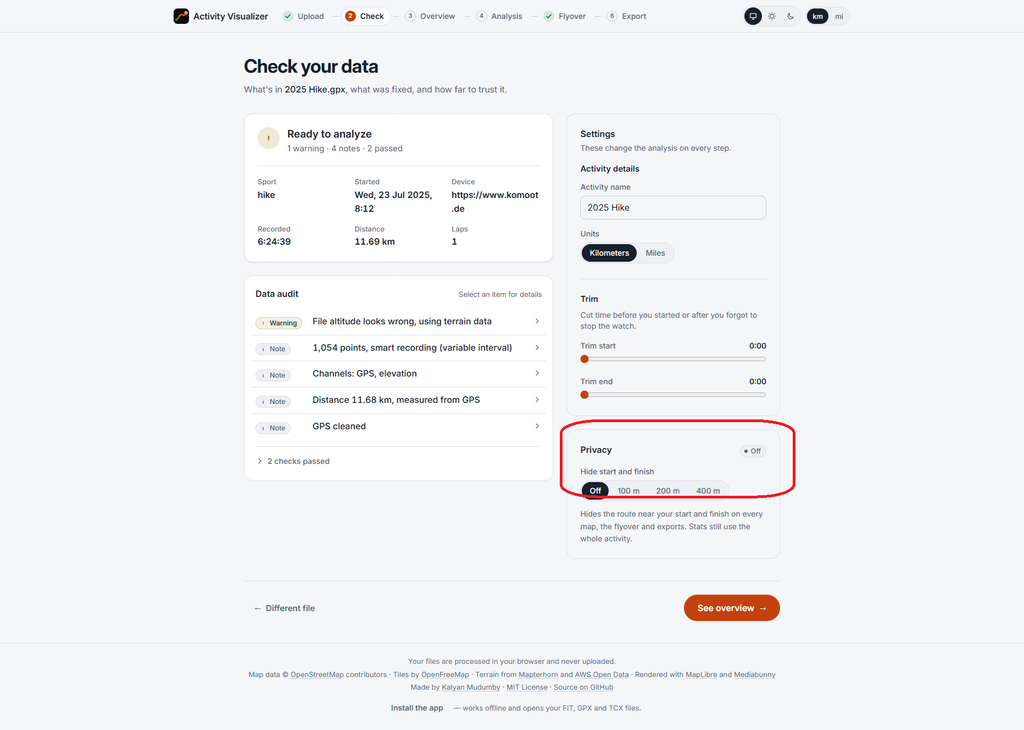
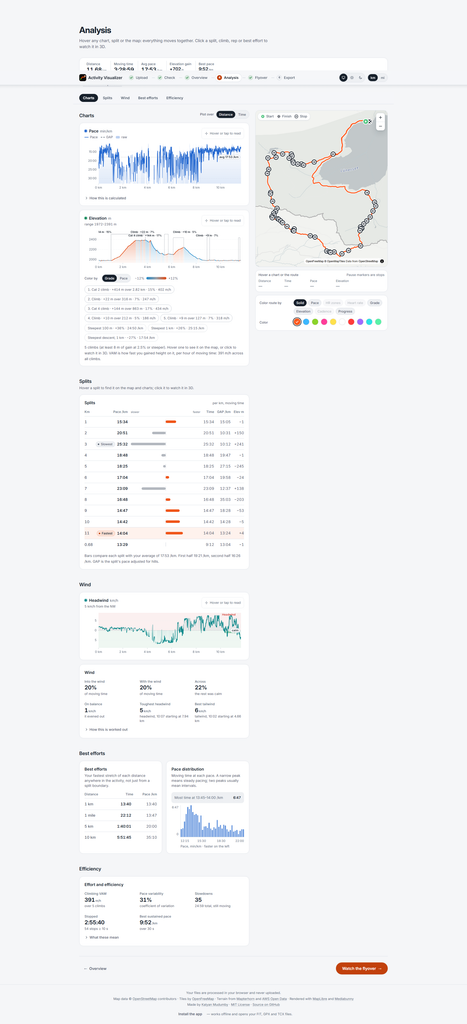
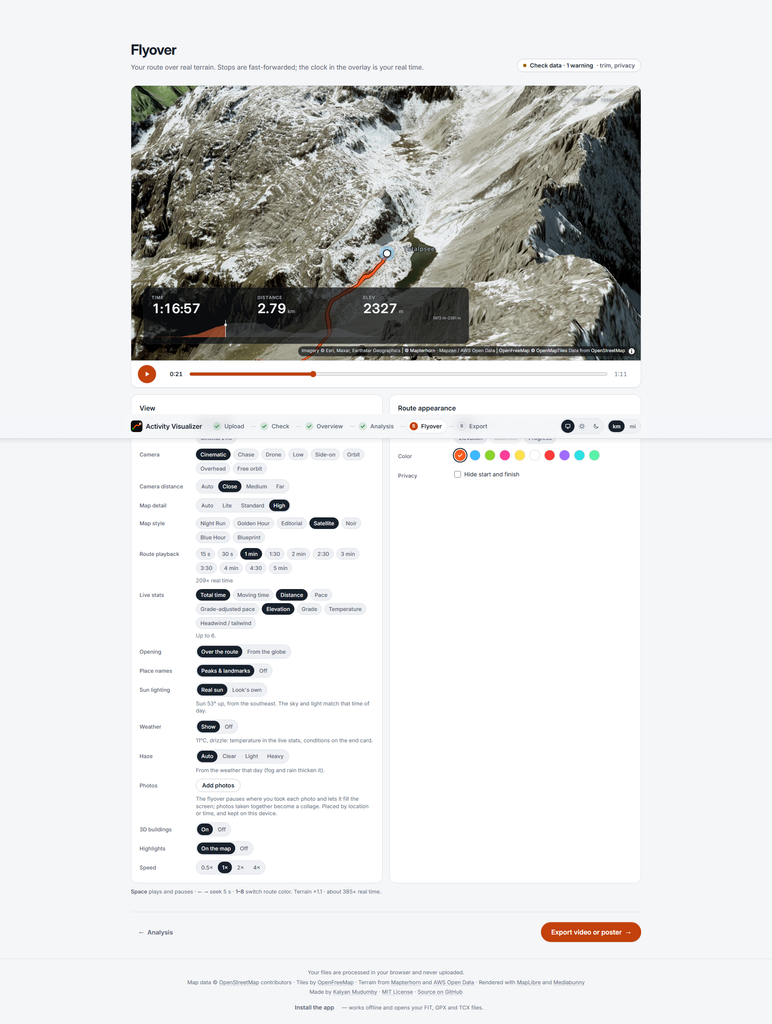
Finally, there is activity-visualizer, located at the rather long URL activity-visualizer.theinhumaneme.workers.dev. As the name suggests, it is designed primarily for activity analysis, with flyover video creation being just one of its features.
Like Trailreplay and the older version of MapDirector, activity-visualizer is a web app where everything happens directly in your browser—my privacy-conscious side likes that!
The Results
Now for the most important part of the review—comparing the results.
This is a subjective and probably unfair test, but it reflects my actual usage. Below are the flyovers generated for the same hiking track in the Alps using each of the mentioned tools. For each one, I tweaked just one or two simple settings and let the tool do the work. Exactly what I do in real life.
MapDirector:
Trail Replay:
Komoot:
Activity-Visualizer
My Verdict
- MapDirector is the winner. Again. The video looks great with minimal adjustments, and it feels like you can fine-tune absolutely everything if needed.
- activity-visualizer takes the silver. My main complaint is that the information overlay takes up too much screen space.
- Trailreplay isn’t all bad, but the moving point disappeared behind mountains too often, the POI icons aren’t great, and I really dislike the “provide your email and we’ll send a private link when done” approach.
- Komoot’s generated video is, unfortunately, the worst.