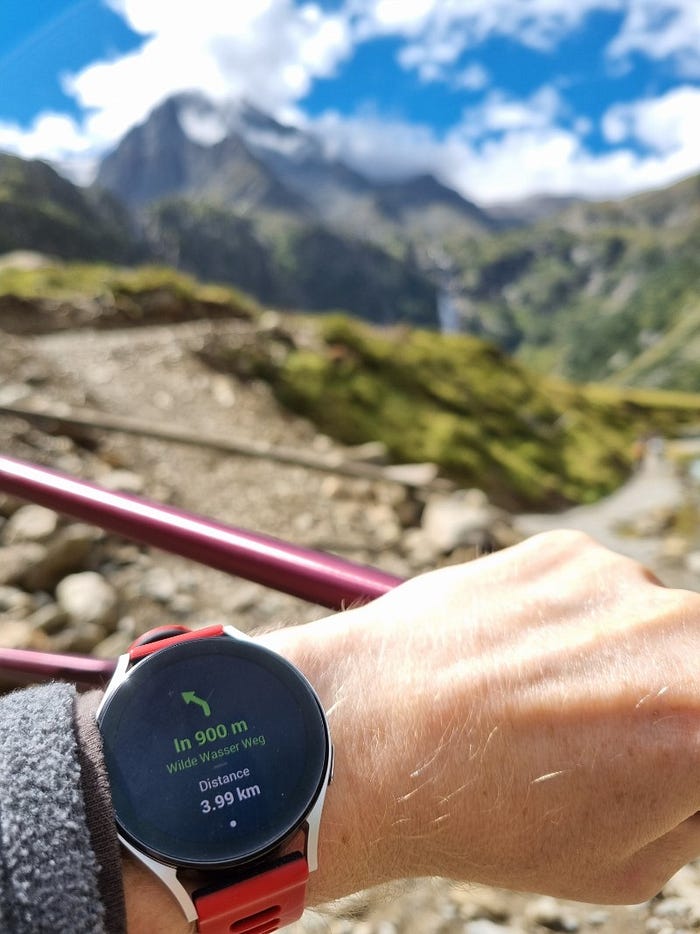
Samsung BP in the US and Garmin Connect Improvements
The Galaxy Watch BP feature is finally enabled in the US
Let’s start with Samsung. Samsung announced the Blood Pressure (BP) feature back in 2019 alongside the Galaxy Watch Active 2. In most countries, the feature required regulatory approval, which Samsung didn’t have at the time.
The real problem, however, was that the situation didn’t change for years. Samsung finally got EU approval around the time the Active 2 became completely outdated, and that approval didn’t even cover the older model (including the Galaxy Watch Active 2 and the Galaxy Watch 3).
That’s the history. The news now is that the Galaxy Watch 4 and all subsequent models have finally enabled BP monitoring in the US as well. This means if you live in the States, own a modern Galaxy Watch, and use a Samsung phone, you can finally measure your BP using your watch. If this feature is really that useful, is an entirely different discussion.
Garmin Connect becomes a bit less terrible
When I started using Garmin Connect, I was shocked at how far the app was behind Samsung Health in terms of general usability. I even sent Garmin a few feature suggestions via their website about it.
Two years later, Connect has become a bit better in this area. Interestingly, these changes happened without any big announcements. As a result, I’m not even sure exactly when they were added.
Anyway, here is what you can do now:
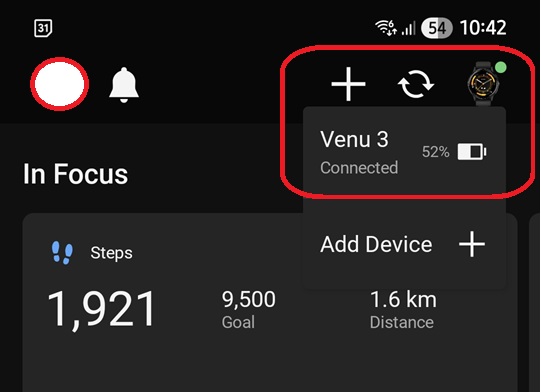
See the battery level of your watch in the app:
This is very useful when the watch is sitting on the charger in another room. A notification for when the watch is fully charged would be even better—let’s see if Garmin manages to implement that someday.
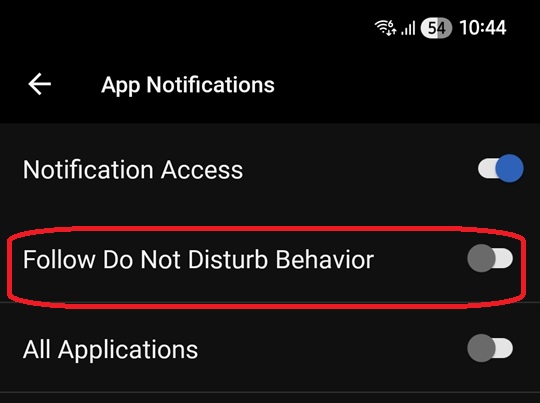
Synchronize Do Not Disturb (DND) mode:
You can finally sync the DND status from your phone to your watch. Nice.
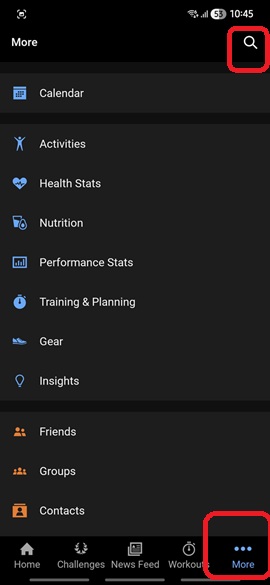
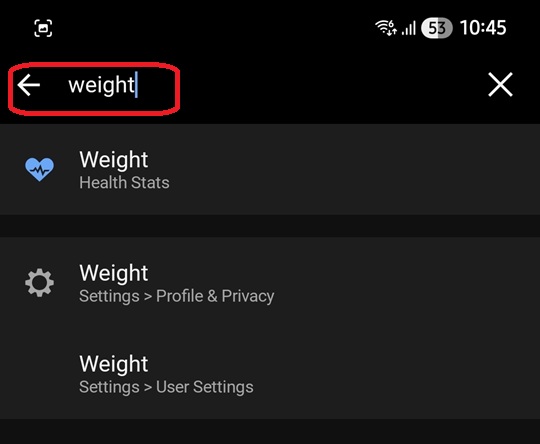
Search within the app:
Garmin Connect is quite messy; some settings are tied to the device, some to the user, and some to the app itself. Finding data isn’t always intuitive—is HRV status under “Health Stats” or “Performance Stats”? And what about resting HR? Now, you don’t need to click through one section after another; you can simply use the search bar.
I like to think that my feedback to Garmin played some role here. 😊